Settings
Open Settings from the gear icon on any tab.
Connections
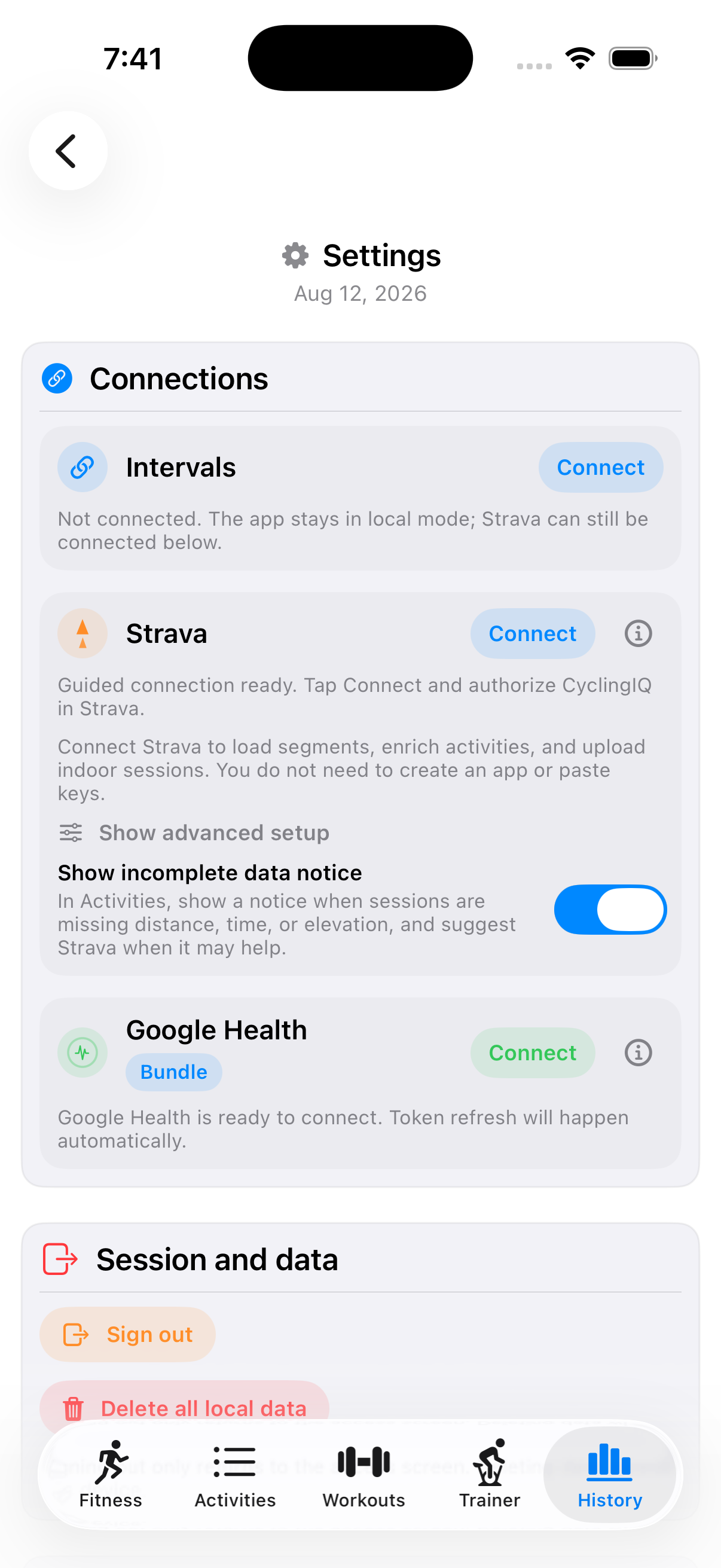
- Intervals.icu — your primary data source when connected (see Getting started). Shows "Principal" once connected.
- Strava — a guided one-tap connection (no need to register your own Strava API app or paste keys) that unlocks segments, activity enrichment, and uploading indoor sessions. An advanced setup option exists if you need it. A toggle controls whether Activities shows a notice suggesting Strava when a session is missing distance/time/elevation.
- Google Health — powers the Recovery tab; tokens refresh automatically once connected.
AI analysis
Toggle AI on and paste an OpenAI API key (validated and stored securely before use) to have activity analysis and workout generation attempt OpenAI first, falling back to the local engine automatically if AI is off, the key is missing, or a request fails.
Session and data
- Sign out — returns to the entry screen; doesn't delete anything.
- Delete all local data — clears everything stored on this device.
Support
An email link (and a copy button) to CyclingIQ support, for bug reports or sending logs.
Developer mode
An internal toggle exposing extra tools for testing, logs, and cache clearing — not needed for normal use.